
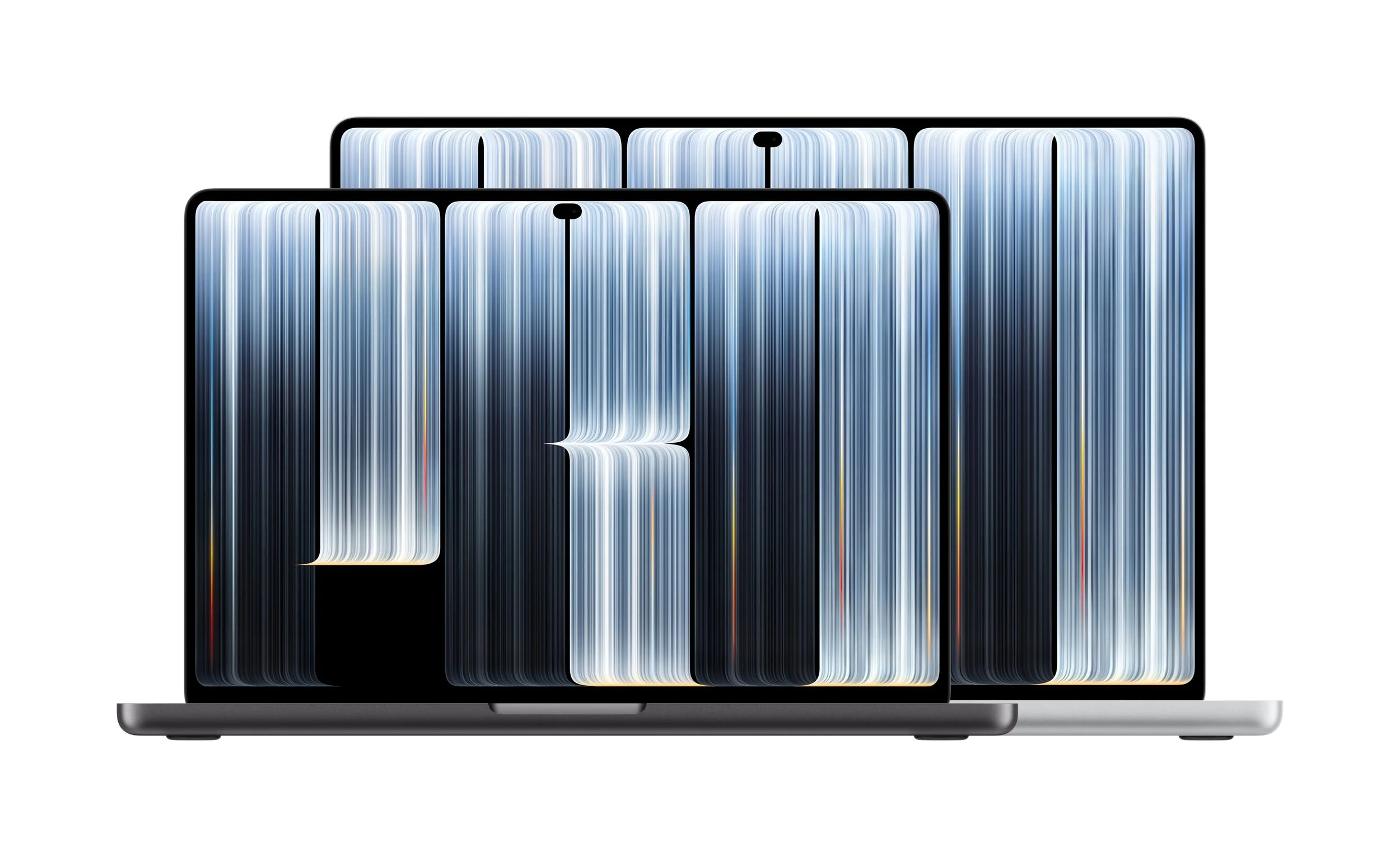
Apple has officially unveiled its next-generation MacBook Pro, introducing one of the biggest changes to the Mac experience in years: a stunning tandem OLED touchscreen, bringing touch interaction to the Mac for the first time. Announced on 29 October 2026, the new MacBook Pro combines Apple's new PROLED XDR display technology with the powerful M5 Pro and M5 Max chips, improved portability, enhanced audio and up to 24 hours of battery life.
Available in 14-inch and 16-inch models, the new MacBook Pro is designed for professionals and everyday users who want a powerful laptop capable of handling demanding creative projects, productivity tasks and emerging AI workloads.
But the touchscreen isn't the only headline feature. With brighter visuals, deeper contrast, a redesigned lighter body, the arrival of Dynamic Island on Mac and new capabilities in macOS 27, Apple's latest MacBook Pro could change how people interact with their computers.
Here's everything you need to know about Apple's new MacBook Pro, including its key features, benefits, Australian pricing and availability.

A New Era for MacBook Pro: Touch Comes to Mac
For the first time, Apple has introduced touchscreen functionality to the MacBook Pro, allowing users to interact directly with content on the display while retaining the traditional keyboard and trackpad experience.
The new touchscreen is designed to make everyday tasks feel more natural. Users can scroll through websites with a swipe, pinch to zoom into photos, drag and drop presentation slides, and quickly arrange windows with touch gestures.
For creative users, the possibilities are even more interesting. Designers can draw and manipulate content directly on the display, musicians can play software instruments onscreen, and developers can test touch-based experiences for their iPhone and iPad apps.
Apple has integrated the touch sensor directly into the display panel to reduce latency, making interactions feel more immediate. A redesigned hinge also provides greater stability when using the touchscreen.
Importantly, touch doesn't replace the keyboard or trackpad. Both remain available, allowing users to switch between traditional controls and direct interaction depending on the task.
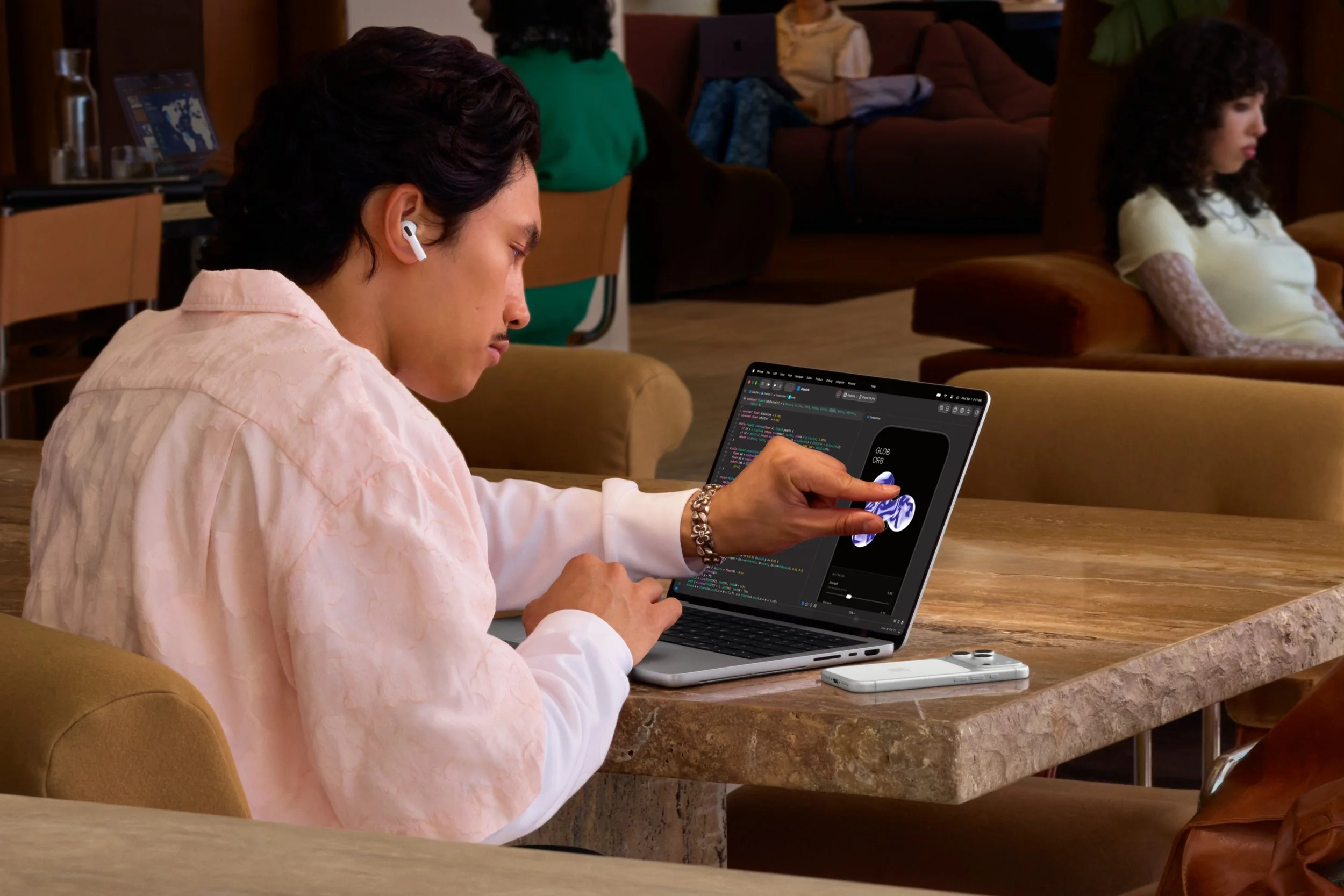
What does the touchscreen mean for everyday users?
For the average consumer, a touchscreen could make navigating apps, editing photos, browsing the web and working with documents feel more intuitive. Rather than relying exclusively on a mouse or trackpad, users can interact with items directly on the screen.
Compatibility is another important consideration. Apple's apps are optimised for touch, while macOS automatically translates many touch interactions into clicks, allowing numerous existing apps to work with the new display. Developers can also build more advanced touch experiences into their applications.
Apple has highlighted support from apps including Microsoft Word, Excel, PowerPoint, Outlook, Canva, Notion, Adobe Lightroom, DaVinci Resolve, Blender and other creative tools.
For users who regularly work with photos, video, music or design software, touchscreen controls could offer a more hands-on way to work.
Introducing PROLED XDR: Apple's New Tandem OLED Display
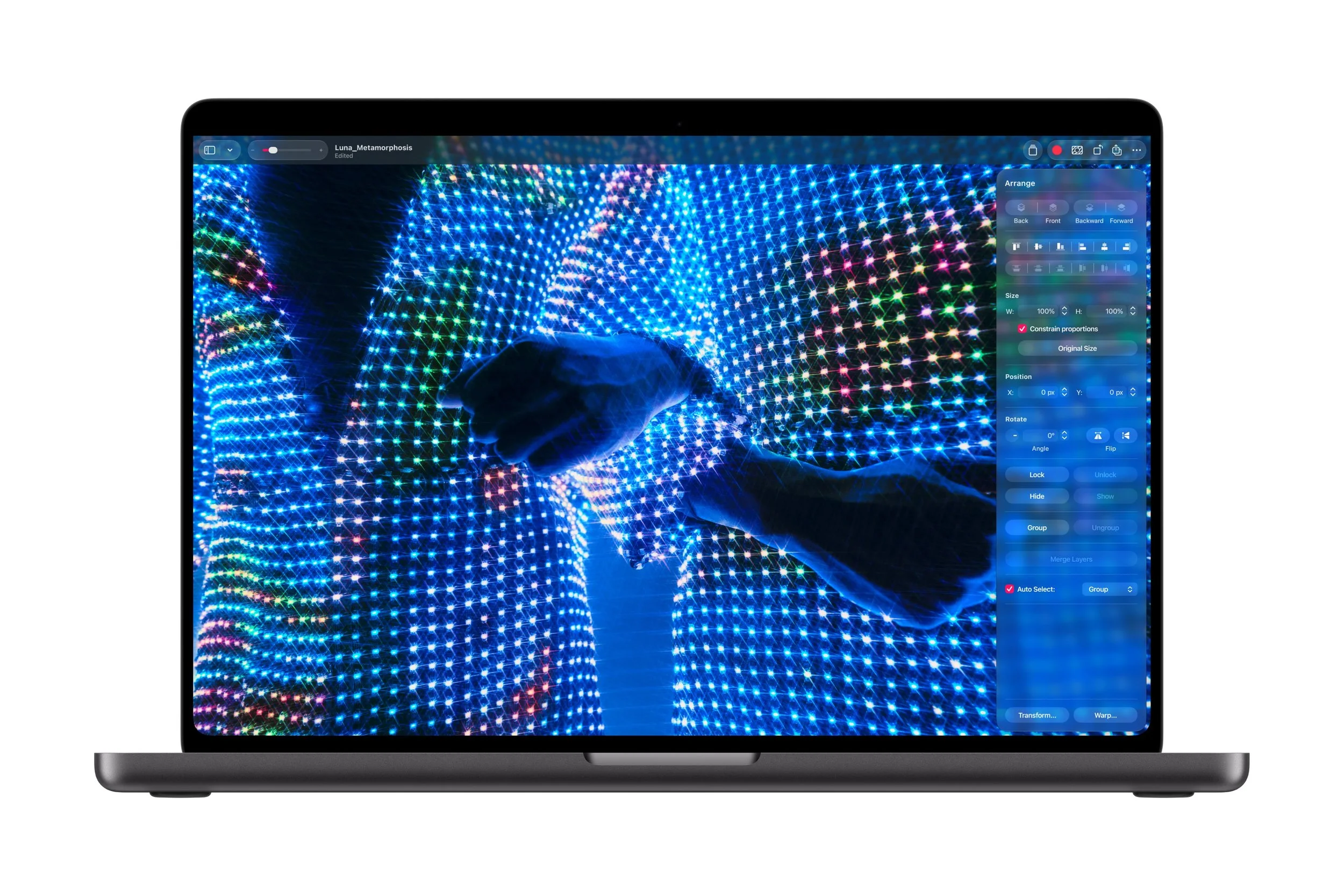
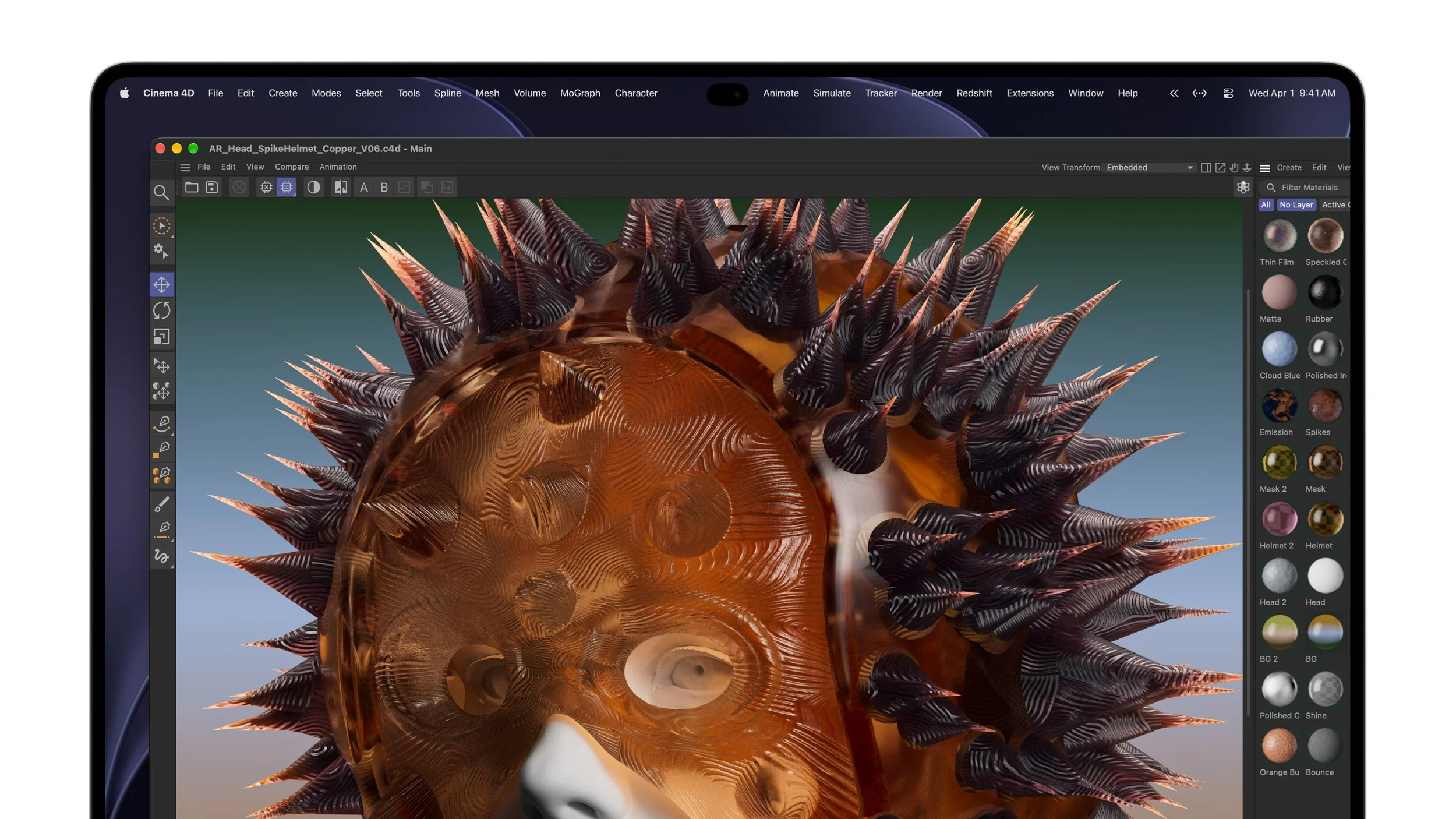
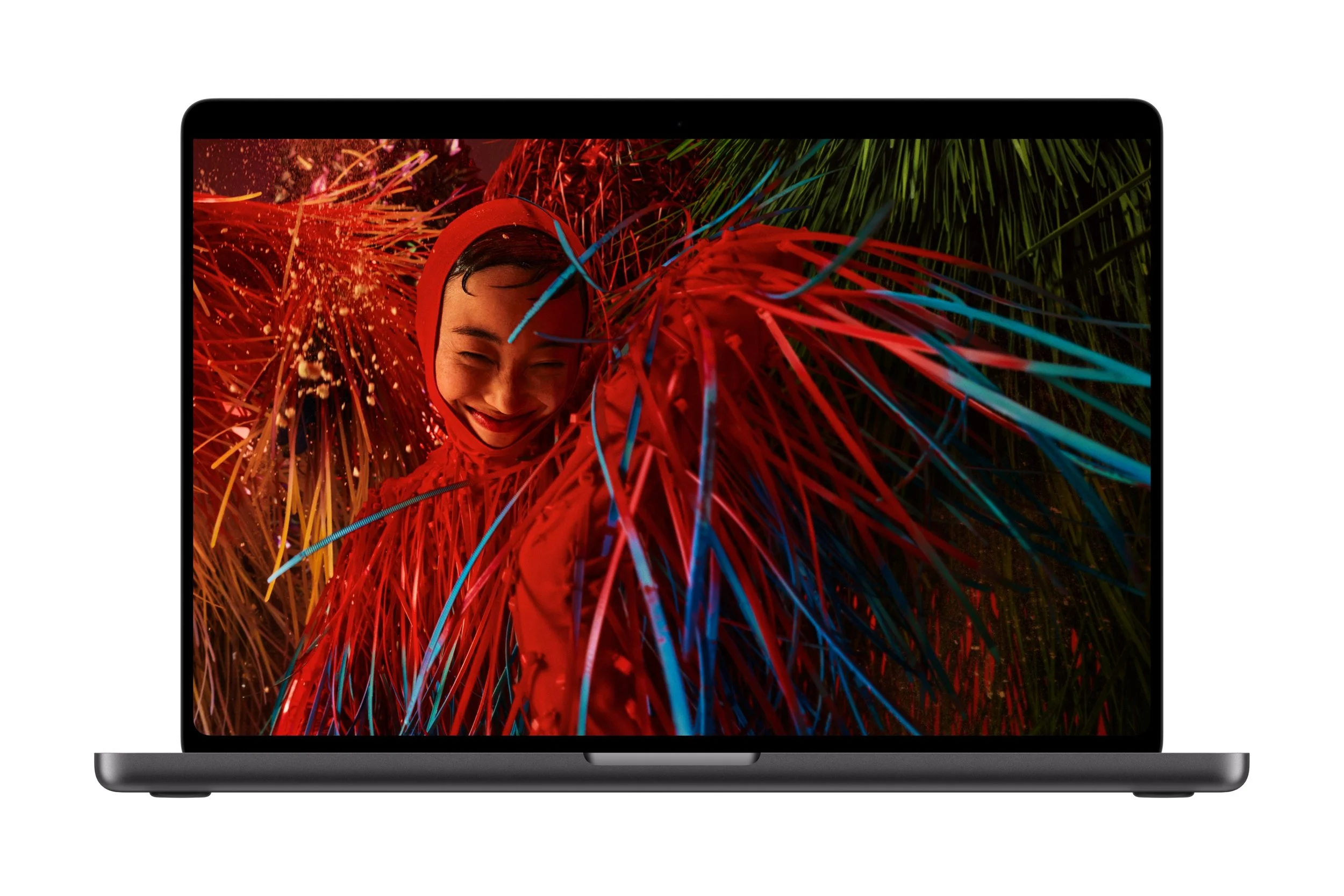
The other major headline is the new PROLED XDR display, which uses tandem OLED technology to deliver impressive brightness, contrast and colour accuracy.
Available in 14-inch and 16-inch configurations, the display is designed to deliver a premium viewing experience for everything from streaming movies and editing photos to professional video production.
Tandem OLED technology uses multiple OLED layers to help deliver high brightness while maintaining image quality. Apple has also introduced advanced display processing and factory calibration to improve consistency across the screen.
Brighter highlights and deeper blacks
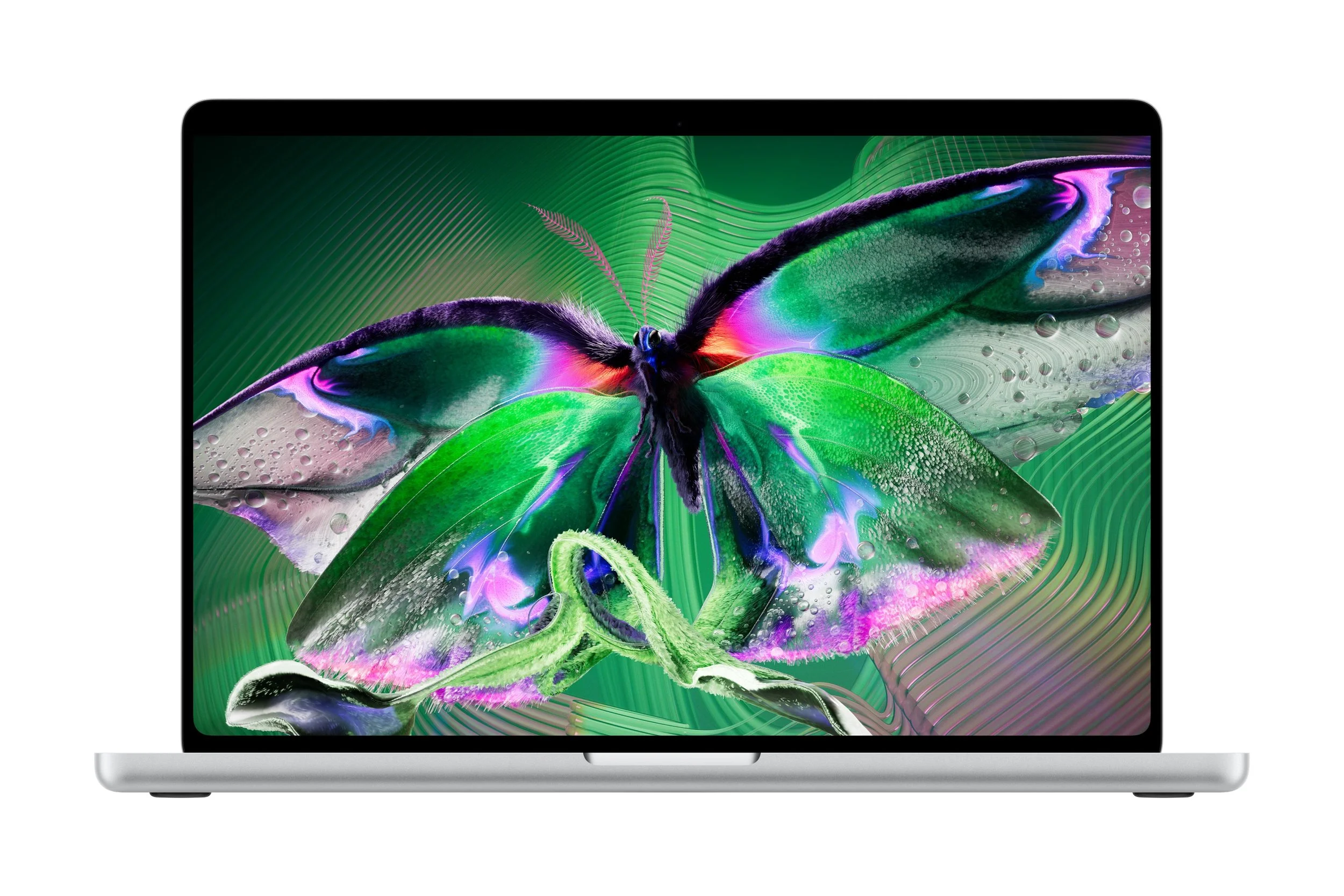
The new PROLED XDR display offers up to 2,000 nits of peak brightness for both HDR and SDR content, alongside a claimed contrast ratio of 10,000,000:1.
For everyday users, this means brighter highlights, deeper blacks and more visible detail in scenes with a mixture of light and dark areas.
Watching movies, viewing photos and playing games could all benefit from the display's improved contrast and vibrant colours. For professionals, the ability to see subtle details in shadows and highlights is particularly valuable when editing video, grading colour or retouching images.
The high brightness is also useful when working in brightly lit environments. Apple has included an anti-reflective coating to help reduce distracting reflections, while an optional nano-texture finish provides an additional way to minimise glare.
A smoother 120Hz display
Apple's ProMotion technology supports adaptive refresh rates ranging from as low as 10Hz to as high as 120Hz.
A higher refresh rate makes scrolling, animations and supported games feel smoother and more responsive. Meanwhile, the ability to lower the refresh rate when appropriate can help improve power efficiency.
The display engine also adjusts pixel brightness and colour in real time, helping maintain consistent image quality across different content and viewing conditions.
Improved colour accuracy for creative work
The PROLED XDR display supports both the P3 and Adobe RGB colour spaces, making it particularly useful for photographers, graphic designers and video editors who need accurate colours.
Apple also reports more than 80 per cent coverage of the Rec. 2020 colour space, supporting demanding HDR video editing and colour-grading workflows.
For the average consumer, the benefit is a display designed to reproduce rich, natural-looking colours. For professionals, the additional colour coverage and calibration options can help deliver more predictable results when creating content for different screens and publishing formats.
The display also supports industry-standard reference modes and calibration tools, including specialised modes for medical imaging research and education. Apple notes that the medical imaging presets are not intended for diagnostic use.
M5 Pro and M5 Max: Powerful Performance for Demanding Tasks
Under the hood, the new MacBook Pro is powered by Apple's M5 Pro or M5 Max chip, depending on the configuration.
Apple describes these as its most powerful chips yet for a professional laptop, designed to deliver high performance across demanding applications while taking advantage of Apple's integrated hardware and software.
For everyday users, this performance can translate into responsive multitasking, faster workflows and more headroom for demanding applications.
M5 Pro: Built for productivity and creative work
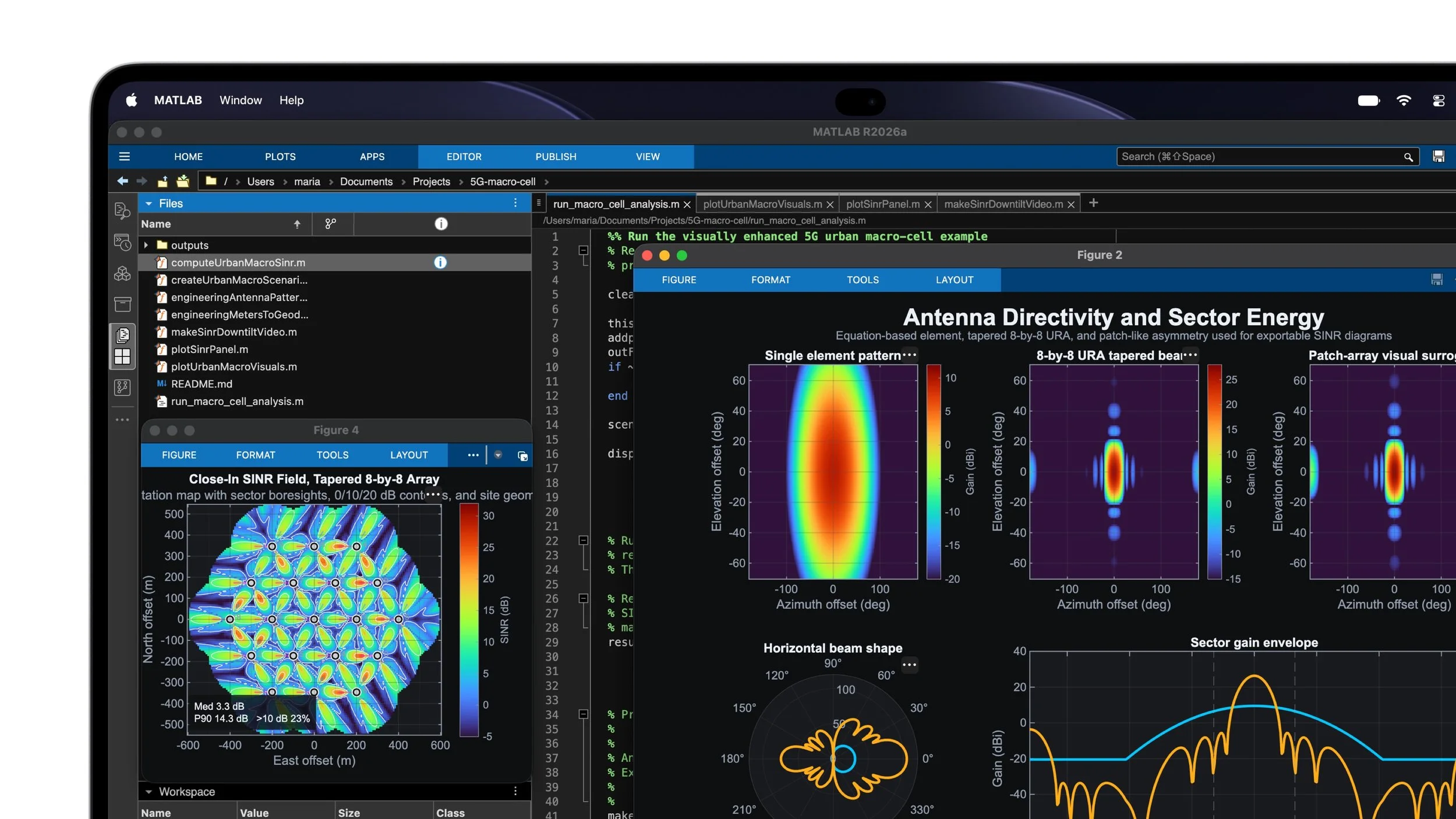
The M5 Pro is aimed at users who need substantial computing power for software development, scientific work and creative projects.
Apple highlights tasks such as compiling code, running AI workloads, sequencing DNA and editing multiple streams of 8K ProRes video.
For people who edit photos and videos, manage large projects or regularly run several demanding applications, the M5 Pro configuration is designed to provide the performance needed to work efficiently.
It is also likely to be the more practical choice for many professionals who want a powerful MacBook Pro without needing the maximum available graphics and memory capabilities.
M5 Max: For users who need even more power
The M5 Max takes performance further for workloads such as 3D animation, visual effects, AI development and film production.
Apple says the chip can support running large language models with hundreds of billions of parameters entirely on the device, alongside intensive 3D rendering and 8K video post-production.
For most everyday users, this level of computing power will be more than necessary. However, professionals working with complex visual effects, large AI models or demanding production pipelines may benefit from the additional capability.
Both chips feature Neural Accelerators within their GPU cores to accelerate AI-related workloads, alongside enhanced shader cores and third-generation ray tracing.
These graphics improvements can help with realistic lighting, faster rendering and demanding applications such as Blender, Cinema 4D and Unreal Engine.
More Memory and Up to 16TB of Storage
Apple has also increased the available configuration options, with the new MacBook Pro supporting up to 128GB of unified memory and up to 16TB of storage.
Unified memory allows the CPU and GPU to share a common memory pool, helping support demanding applications and large creative projects.
More memory can be particularly useful when running multiple professional applications simultaneously, working with large video files or handling complex 3D scenes.
Storage is equally important. With up to 16TB available, users can keep substantial libraries of photos, video footage, creative assets and other files on their laptop.
For the average consumer, lower-capacity configurations may be sufficient for browsing, office work, streaming and everyday computing. Those working with large media libraries or professional projects may appreciate the additional storage options.
Dynamic Island Arrives on Mac
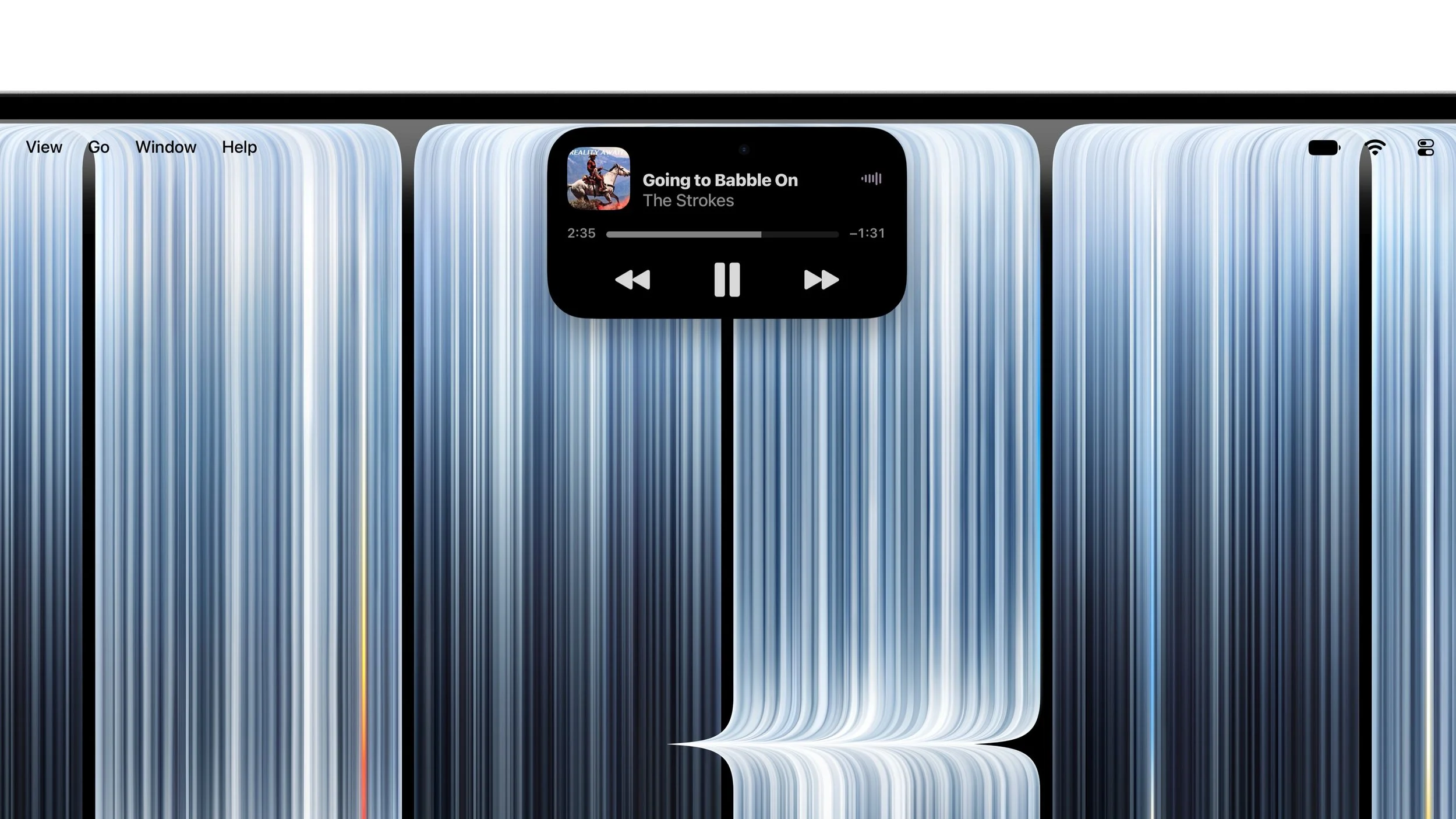
Another notable addition is the arrival of Dynamic Island on the MacBook Pro.
Previously associated with the iPhone, Dynamic Island provides a central place to interact with Spotlight search, Live Activities and Siri AI.
This gives users a more immediate way to access information and controls without necessarily interrupting their current task.
Apple says users will be able to interact with information such as real-time updates, incoming calls, music playback and AirDrop requests.
Spotlight also provides quick access to search on the Mac, helping users locate information and content more easily.
For everyday users, the goal is simple: make useful information and frequently used controls easier to access while keeping the main workspace uncluttered.
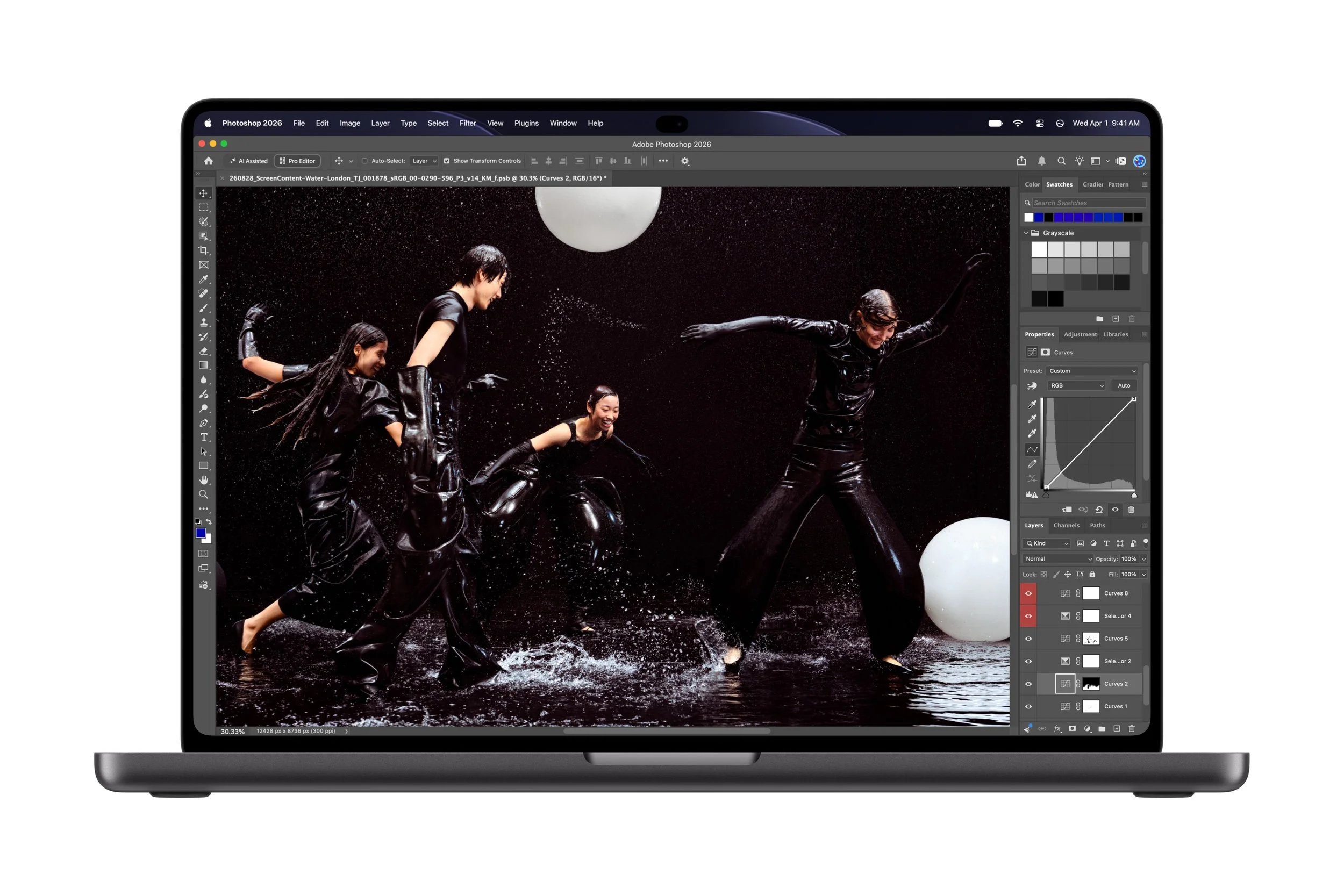
macOS 27 Brings New AI Features and Smarter Workflows
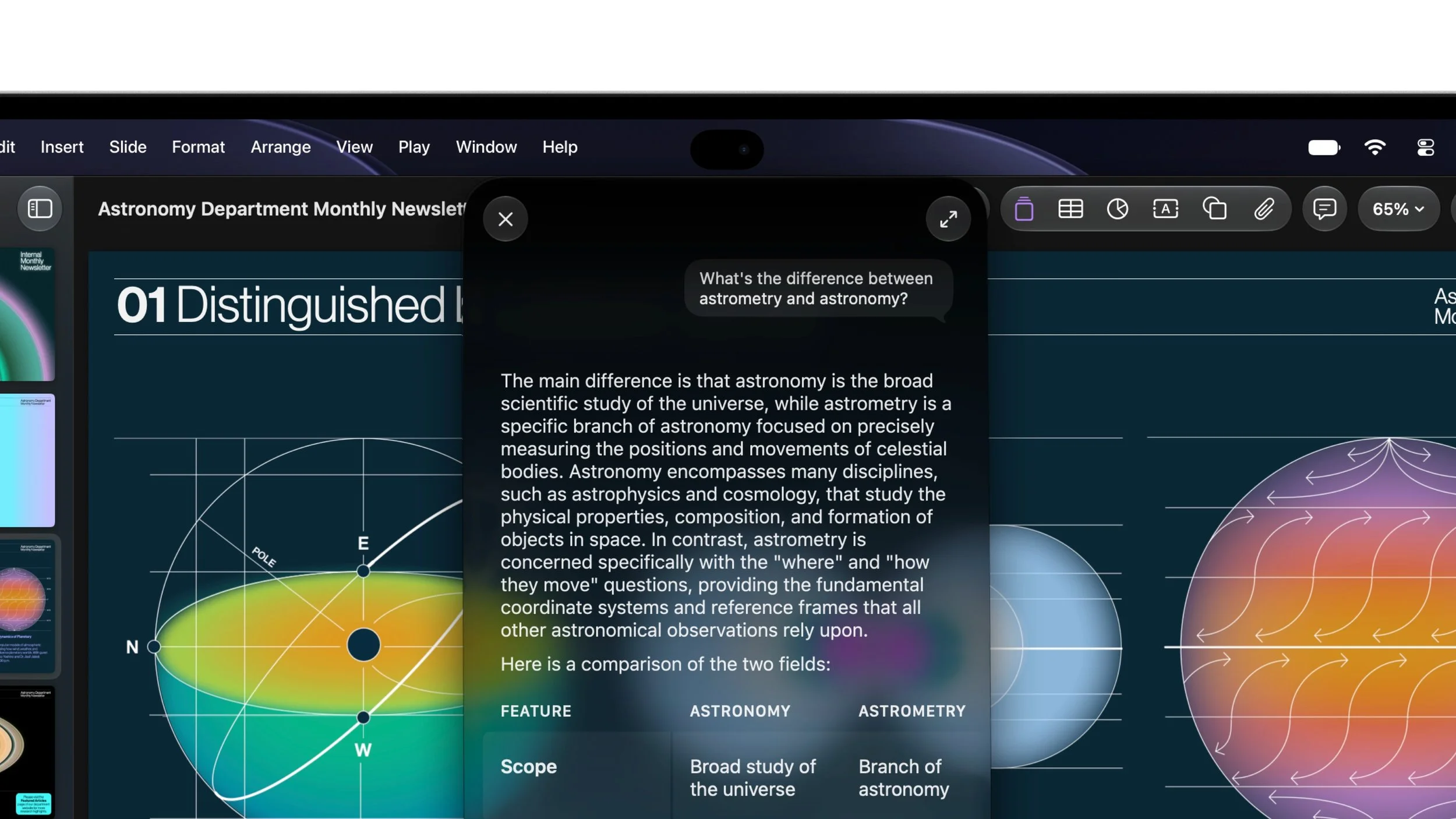
The new MacBook Pro arrives with macOS 27, which introduces touch-focused interactions alongside new Apple Intelligence features and Siri AI capabilities.
Apple describes Siri AI as a more capable, conversational and personal assistant that can use relevant personal context to help users find information and complete tasks across apps.
Depending on feature availability, users can ask questions, get help with what is displayed onscreen, and use Siri to assist with writing and editing.
Smarter browsing and productivity
Apple Intelligence also brings improvements to supported apps and workflows.
In Safari, new tools can organise tabs into topics and provide notifications about website changes, such as product restocks or price drops.
Shortcuts users can create automations by describing what they want to accomplish, while the Photos app gains intelligent editing tools.
These features could help everyday users spend less time searching, organising and completing repetitive tasks.
For professionals, the combination of on-device processing capabilities, AI-assisted workflows and powerful hardware could make the MacBook Pro a more capable productivity machine.
One important caveat: Siri AI availability depends on supported languages, regions and software versions. Apple's announcement states that Siri AI is available in beta in macOS 27.2, so not every feature should be assumed to be available immediately or in every market.
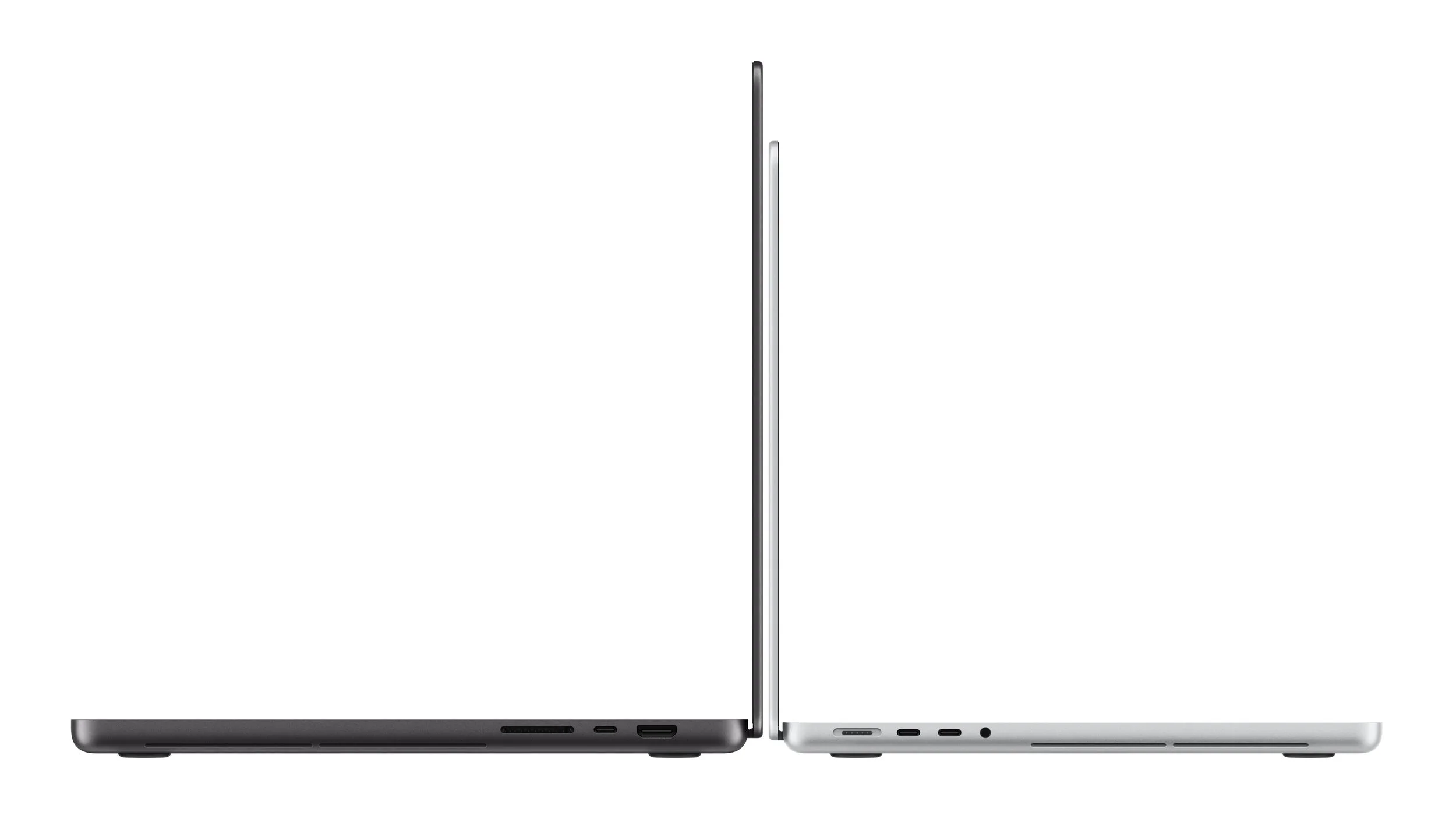
A Thinner, Lighter MacBook Pro
Despite its powerful hardware, Apple says the new MacBook Pro is thinner and lighter than its predecessor.
The 14-inch model weighs approximately 3 pounds (1.36kg), while the 16-inch model weighs approximately 4 pounds (1.81kg).
According to Apple, the 14-inch version is half a pound lighter, while the 16-inch version is 0.7 pounds lighter than the previous generation.
The new design is enabled in part by the more efficient OLED display stack and a redesigned thermal architecture intended to maintain sustained performance.
The 14-inch model features a 14.2-inch display, while the larger model's screen measures 16.3 inches thanks to slimmer display borders.
For people who regularly carry their laptop between home, the office, university or client meetings, the reduction in weight should make the MacBook Pro easier to transport.
The 14-inch version remains the more portable option, while the 16-inch model offers a larger workspace for multitasking and creative projects.

Up to 24 Hours of Battery Life
Battery life remains a major consideration for anyone choosing a laptop, and Apple claims the new MacBook Pro can deliver up to 24 hours on a charge.
This could make it suitable for long working days, extended travel and situations where a power outlet isn't always available.
Actual battery life will vary depending on the configuration, applications, screen brightness and workload. Intensive tasks such as video editing, 3D rendering and AI processing can consume more power than everyday browsing or document work.
The laptop also supports fast charging, with Apple stating that it can reach up to 50 per cent charge in approximately 30 minutes when using a suitable power adapter.
For users who need to get back to work quickly, that could be a useful convenience.
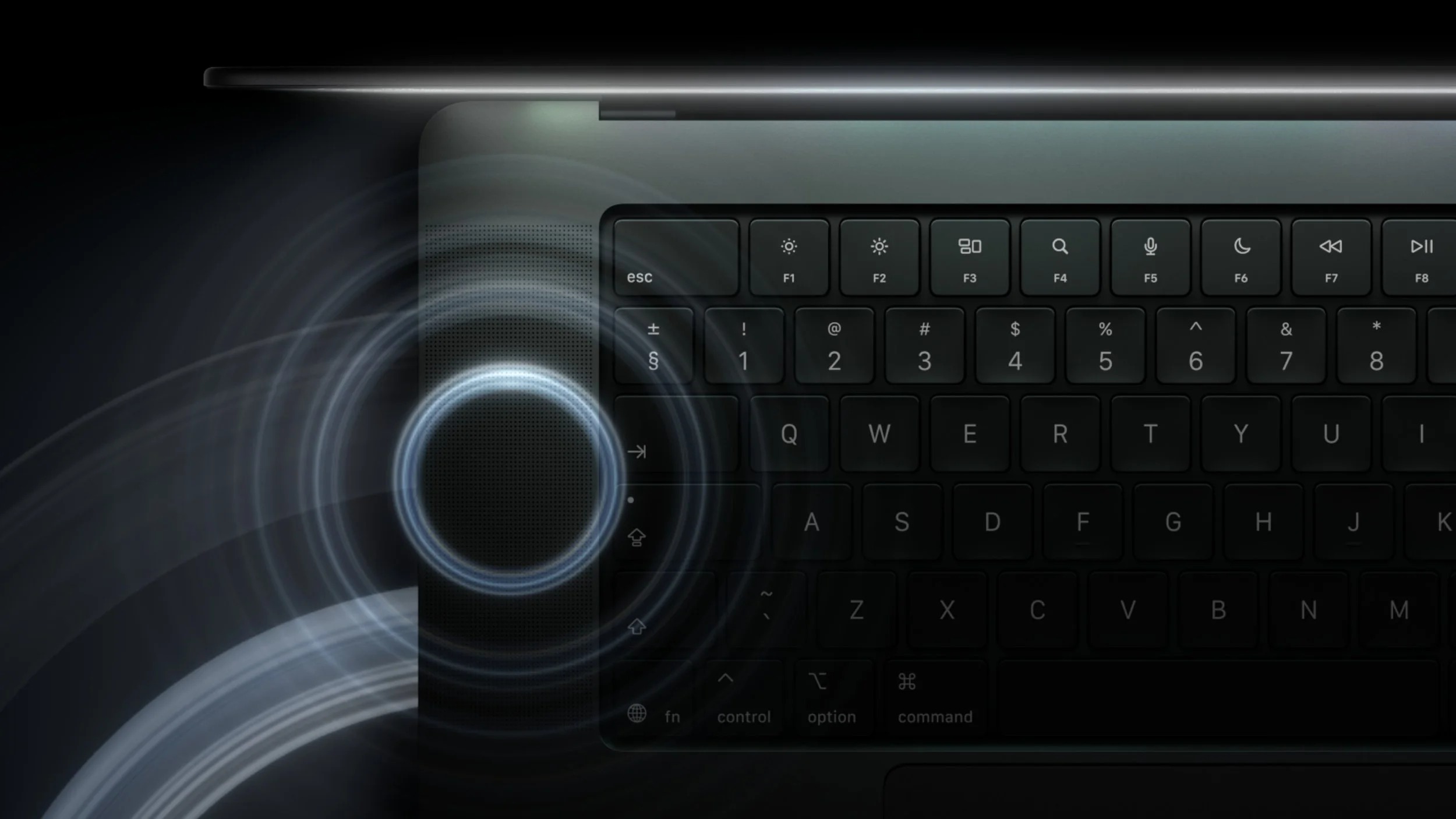
Enhanced Six-Speaker Audio System
Apple has upgraded the MacBook Pro's six-speaker audio system with a new woofer design that delivers 50 per cent deeper bass, along with redesigned tweeters for improved sound clarity.
Spatial Audio with Dolby Atmos provides a more immersive listening experience when using compatible content.
For everyday users, the upgraded speakers could make movies, music and video calls sound richer without needing to connect external speakers.
Studio-quality microphones are also included to help capture clear audio during calls, recordings and voice commands.
Another useful addition is dedicated audio tuning for closed-lid operation. When the MacBook Pro is connected to an external display and used with its lid closed, Apple says the laptop can still deliver an enhanced audio experience.
Connectivity: Thunderbolt 5, Wi-Fi 7 and More
The new MacBook Pro offers a broad selection of ports and wireless connectivity options, helping users connect accessories and external displays without relying entirely on adapters.
Key connectivity features include:
Three Thunderbolt 5 ports: For high-speed data transfers and compatible peripherals.
HDMI: For connecting an external monitor, television or projector.
SDXC card slot: Convenient for photographers and videographers transferring files from compatible memory cards.
MagSafe: A dedicated magnetic charging connection.
3.5mm headphone jack: For wired headphones and other compatible audio equipment.
Wi-Fi 7: For compatible wireless networks.
Bluetooth 6: For connecting compatible wireless accessories.
Touch ID: For convenient, secure authentication and supported purchases.
External display support varies by chip. The M5 Pro supports up to three external displays, while the M5 Max supports up to four, in addition to the built-in display.
For users who work with multiple monitors, fast external storage or professional peripherals, this flexibility could be an important reason to choose the MacBook Pro.
Built for Creators: Apple Creator Studio and Touch-Optimised Apps
Apple is also highlighting the role of its Creator Studio software suite in making the most of the new touchscreen.
Pixelmator Pro allows creators to interact directly with designs, drawing, painting and selecting elements on the display.
In Logic Pro, users can play software instruments through a fully Multi-Touch polyphonic keyboard, with onscreen chord and drum pads.
Final Cut Pro also gains touch-oriented editing capabilities, including marking ranges, moving clips, zooming into edits and manipulating timelines.
These features could be especially appealing to content creators, musicians, video editors and designers who want a more direct way to interact with their work.
Apple says Creator Studio updates will arrive on the App Store in November for existing subscribers.
New subscribers in Australia will pay A$19.99 per month or A$199 per year, with education pricing available to eligible university students and educators at A$4.99 per month or A$49 per year. New subscribers can receive a one-month free trial, while eligible purchases of a new Mac or qualifying iPad can include three months of access, subject to Apple's terms.
A More Environmentally Conscious MacBook Pro
Apple says the new MacBook Pro contains 55 per cent recycled material overall.
This includes 100 per cent recycled aluminium in the enclosure, 100 per cent recycled cobalt in the battery and, for the first time in an Apple product, 100 per cent recycled tantalum in multiple capacitors.
The company also says the laptop is manufactured using 45 per cent renewable electricity across its supply chain.
The device is designed to be durable and repairable, with energy efficiency and material choices forming part of Apple's wider goal of achieving carbon neutrality across its entire footprint by 2030.
For consumers who consider environmental impact when purchasing technology, these material and manufacturing choices are a welcome part of the announcement.
Apple MacBook Pro With PROLED XDR: Australian Pricing
Apple has announced Australian recommended retail pricing for the new MacBook Pro across its M5 Pro and M5 Max configurations.
The starting prices, including GST, are as follows:
Model Australian starting price
14-inch MacBook Pro with M5 Pro A$4,599
16-inch MacBook Pro with M5 Pro A$5,499
14-inch MacBook Pro with M5 Max A$6,999
16-inch MacBook Pro with M5 Max A$7,699
Eligible university students and educators can access education pricing. Apple's announced education starting prices are A$4,359 for the 14-inch M5 Pro, A$5,179 for the 16-inch M5 Pro, A$6,529 for the 14-inch M5 Max and A$7,219 for the 16-inch M5 Max.
Final pricing will depend on the selected configuration, including memory and storage upgrades. With options reaching 128GB of unified memory and 16TB of storage, higher-specification models may cost considerably more than the starting prices.
When Can You Buy the New MacBook Pro in Australia?
Apple opened pre-orders for the new MacBook Pro on 29 October 2026 through the Australian Apple Store online and the Apple Store app.
The company says availability begins on Friday, 6 November 2026, when the laptop will begin arriving with customers and becoming available at Apple Store locations and Apple Authorised Resellers.
Customers can also explore eligible trade-in options through Apple, potentially receiving credit towards the purchase of a new Mac.

Is the New MacBook Pro Worth Considering?
The new MacBook Pro represents a substantial evolution of Apple's professional laptop, particularly with the introduction of a tandem OLED touchscreen and the PROLED XDR display.
For the average consumer, the brighter screen, smoother scrolling, improved speakers, lighter design and long claimed battery life are all appealing improvements. The touchscreen could also make everyday interactions more intuitive, especially for people who frequently work with photos, documents and creative applications.
However, the MacBook Pro is still a premium laptop with a starting price of A$4,599. If your main activities involve web browsing, email, streaming and basic productivity, a more affordable MacBook may provide everything you need.
The M5 Pro configuration is likely to be the more sensible starting point for many users who need a powerful machine for work, study or content creation. The M5 Max is better suited to people who can take advantage of its additional capabilities for demanding graphics, AI and professional production workloads.
The 14-inch model is the better fit for portability, while the 16-inch model offers a larger workspace for those who spend hours editing video, working across multiple windows or managing complex projects.
The RANT Tech Verdict
Apple's new MacBook Pro with PROLED XDR is an important development for the Mac lineup. The arrival of touch on Mac, paired with a tandem OLED display, marks a major change in how users can interact with Apple's professional laptop.
Add the M5 Pro and M5 Max chips, up to 128GB of unified memory, up to 16TB of storage, improved audio, modern connectivity and up to 24 hours of claimed battery life, and Apple has delivered a compelling package for demanding users.
The biggest question is how much the new touchscreen will change the everyday Mac experience. If developers embrace touch controls and Apple continues to refine the experience in macOS, it could become a genuinely useful addition rather than simply another way to navigate a laptop.
For content creators and professionals, the new display and performance options look particularly promising. For everyday users, the benefits are real, but the premium pricing means it's worth considering whether you will make full use of everything the MacBook Pro offers.
One thing is clear: with tandem OLED technology and touch finally arriving on MacBook Pro, Apple is giving its flagship laptop a new direction.